ECCM: how the system is changing the approach to networks based on Eltex equipment


Introduction

It is not an easy task to manage the network infrastructure that includes hundreds and thousands of devices. The network is dynamic, and to ensure that the equipment operates in harmony, a reliable management tool is required.
In the Eltex based infrastructure, this tool is ECCM (Eltex Cloud Configuration Manager). In practice, users often get acquainted with the system only through its basic functions, and sometimes they get the impression that ECCM is mainly a convenient solution for equipment inventory.
Device inventory is certainly important, but this view of ECCM only captures a small part of its true capabilities. Today, it is a comprehensive platform with a wide range of tools for configuring, in-depth monitoring, and automating the management of wired and wireless network infrastructure based on Eltex equipment.
We decided to cover in detail the key functionality of ECCM, that often is underestimated, but allowing you to use the system to its full potential.
What equipment is supported
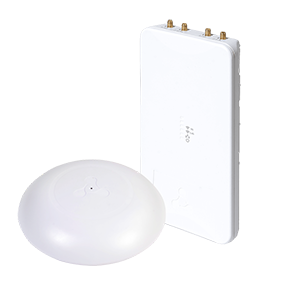
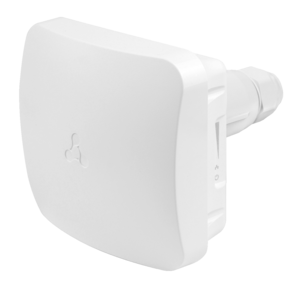
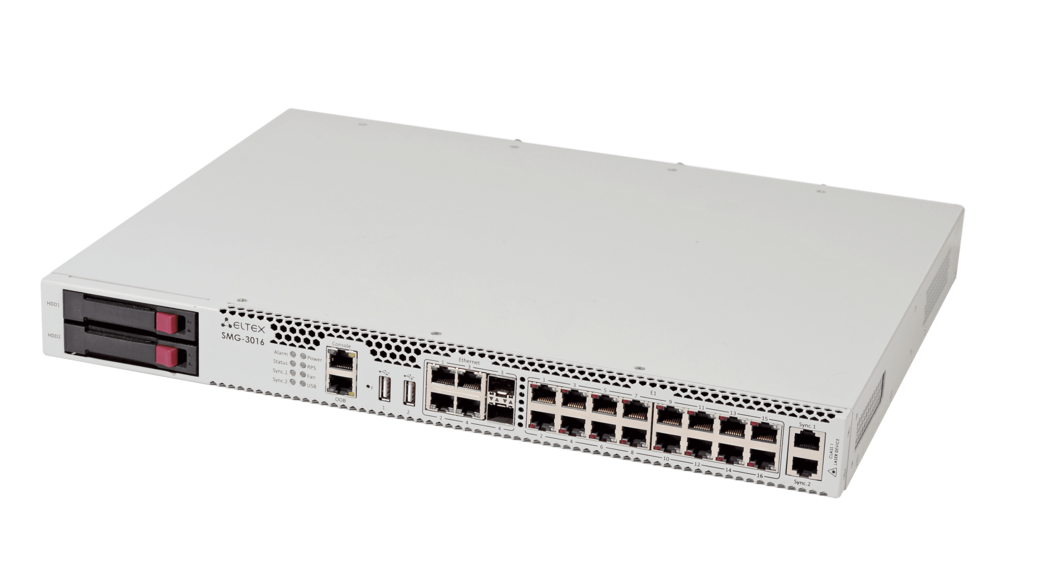
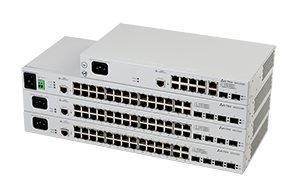
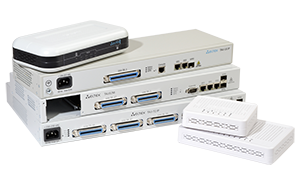
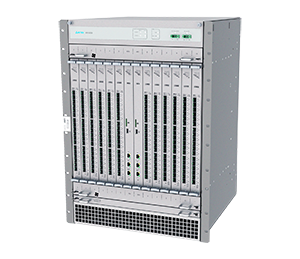
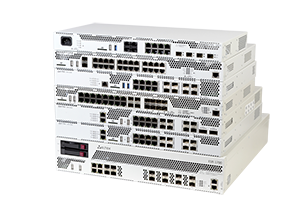
First of all, we will tell you about the general features. ECCM supports the operation with a wide range of Eltex equipment, such as MES Ethernet-switches, ESR service routers and ME MPLS routers, WLC wireless network controllers, both indoor WEP and outdoor WOP access points (via a controller). Starting the version 2.3, WB-3P-PTPx wireless broadband access equipment is supported. At a basic level, it also works with TAU and SMG VoIP equipment, allowing you to monitor its status within the overall infrastructure. A list of devices supported by the ECCM system can be found in the product cardon the website. This list is updated with each new version of the system.
Some in the professional community discuss: why to pay for monitoring if Zabbix and other open-source systems can be used? At the very least, due to the entry barrier and support.
Some in the professional community discuss: why to pay for monitoring if Zabbix and other open-source systems can be used? At the very least, due to the entry barrier and support.
Some open-source tools, like above-mentioned Zabbix are powerful but require significant efforts to configure and maintain. It is often necessary to have a dedicated specialist, or even an entire team, to write scripts, configure monitoring templates, and integrate components. Moreover, support for such systems falls entirely on the company's shoulders: if any problems arise, you will have to deal with them yourselves.
ECCM is specially designed for Eltex equipment and easily works with it. Monitoring metrics, event processing rules, configuration features, and much more are all tailored to Eltex equipment. ECCM is easy to learn: administrators begin using the system effectively almost immediately after deployment without any complex configurations. Eltex also offers professional technical support and willingness to develop functionality to meet customer needs.
Inventory
There's a common stereotype in the professional community that ECCM is primarily an inventory tool. The system does indeed manage equipment inventory easily. Device location, inventory and serial numbers, department assignments, and connection diagrams are all recorded and clearly displayed. ECCM visualizes the logical topology of the infrastructure: which devices are enabled, how they are interconnected, and so on.

This approach is especially useful for planning work and investigating incidents. Engineers can see exactly which device is involved in a particular network segment. It's easier to assess the overall size and structure of the fleet, and understand where critical elements are located.
Inventory in ECCM is the foundation upon which other capabilities are built.
Management
Centralized infrastructure management is one of the greatest strengths of ECCM.
Configuration
Using ECCM, administrator can change the configuration of an individual device and its parameters without affecting the rest of equipment.
ECCM provides both the individual device setup and the mass deployment settings, applying identical configurations to many devices, as a result saving time. The system not only sends these settings to devices but also verifies the application of the changes and reports the results.
ECCM automatically saves configuration backups. If the network crashes after maintenance, administrator can quickly compare the current device configuration with the working one (or even the configurations of different devices), see specific changes, and roll back if necessary. Convenient tools transform troubleshooting from guesswork into precise factual analysis.

For experienced engineers, CLI remains a favorite tool. However, when a team has varying skill levels and deals with dozens of similar tasks, high-level configuration tools are more convenient. ECCM already implements this approach and is actively developing it.
Administrator has no need to manually enter commands into the console of each device; everything is done through the ECCM graphical interface, taking into account the specific device features. Currently, this is available with:
- WLC controllers and access points – creating access rules, wireless networks management and etc.;
- ESR service routers – configuring Firewall zones and other features;
- MES switches – Switchport settings, VLAN management on interfaces, etc.

The high-level configuration lowers the entry barrier for administrators and reduces errors during equipment set-up. The graphical configuration functionality is gradually being expanded and enhanced, and there are many more to come.
In such cases where the CLI is essential, ECCM has a built-in terminal emulator. You can access the command line of any device directly from your browser through the system's secure interface.

Firmware update
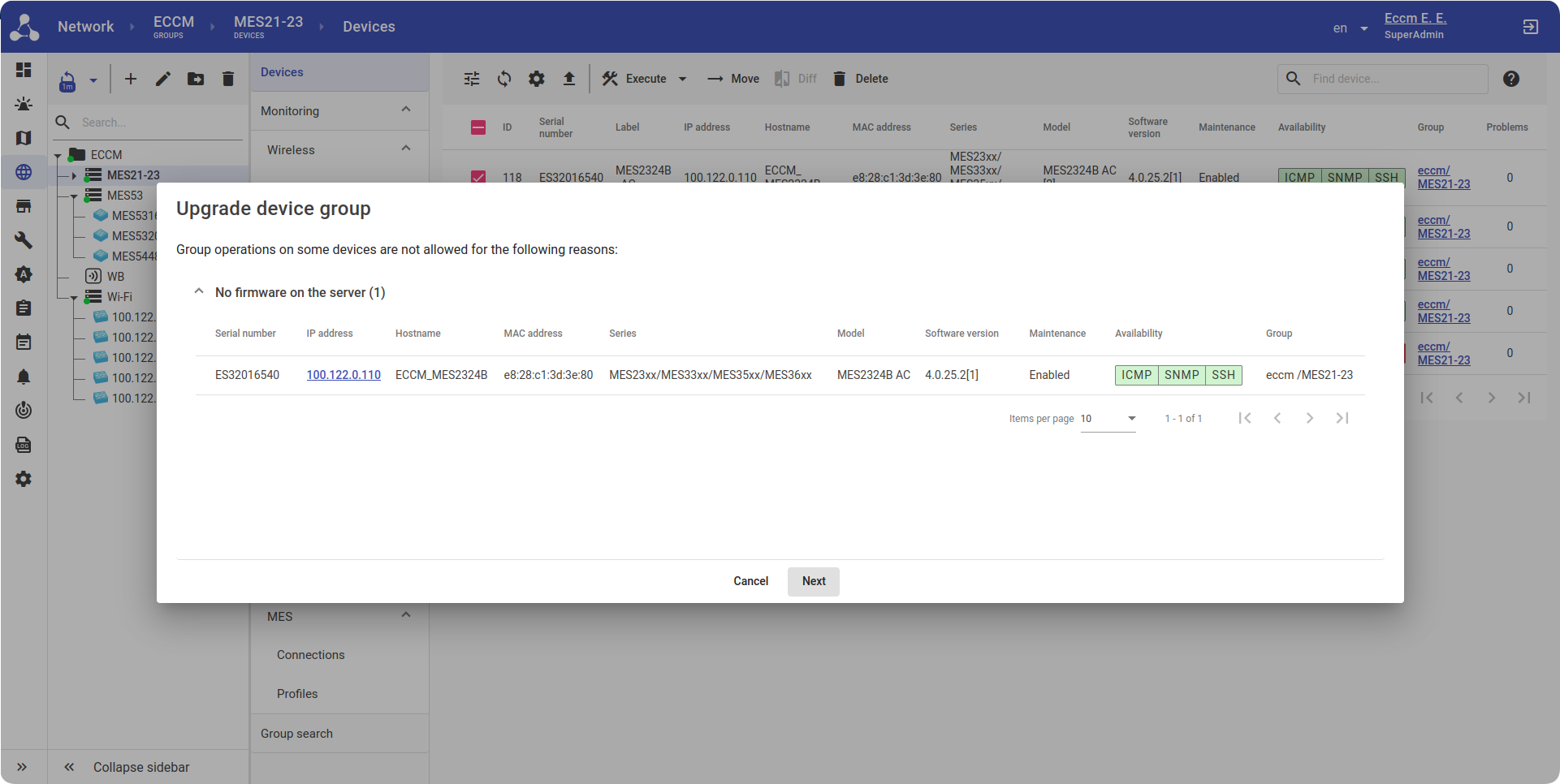
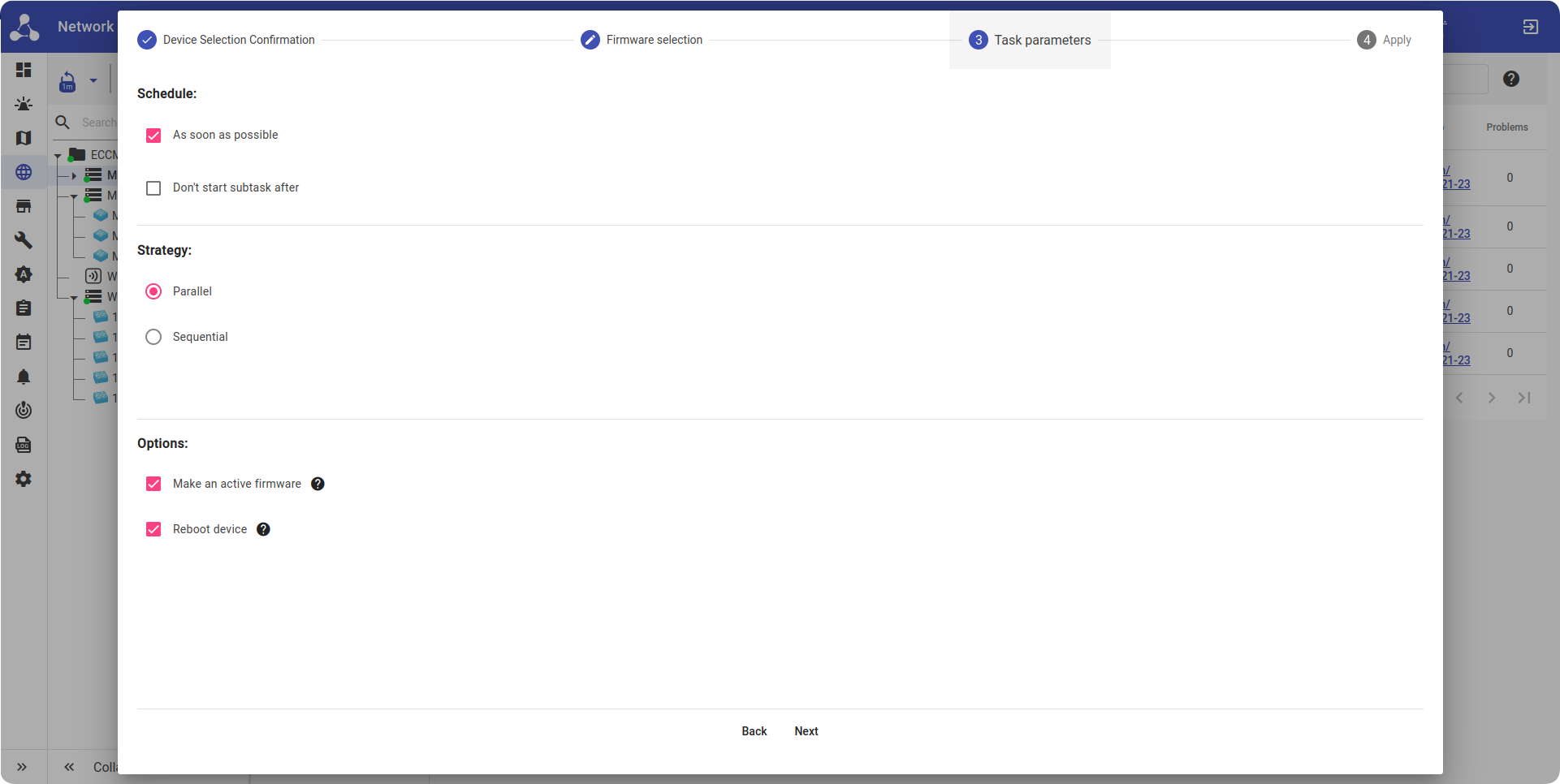
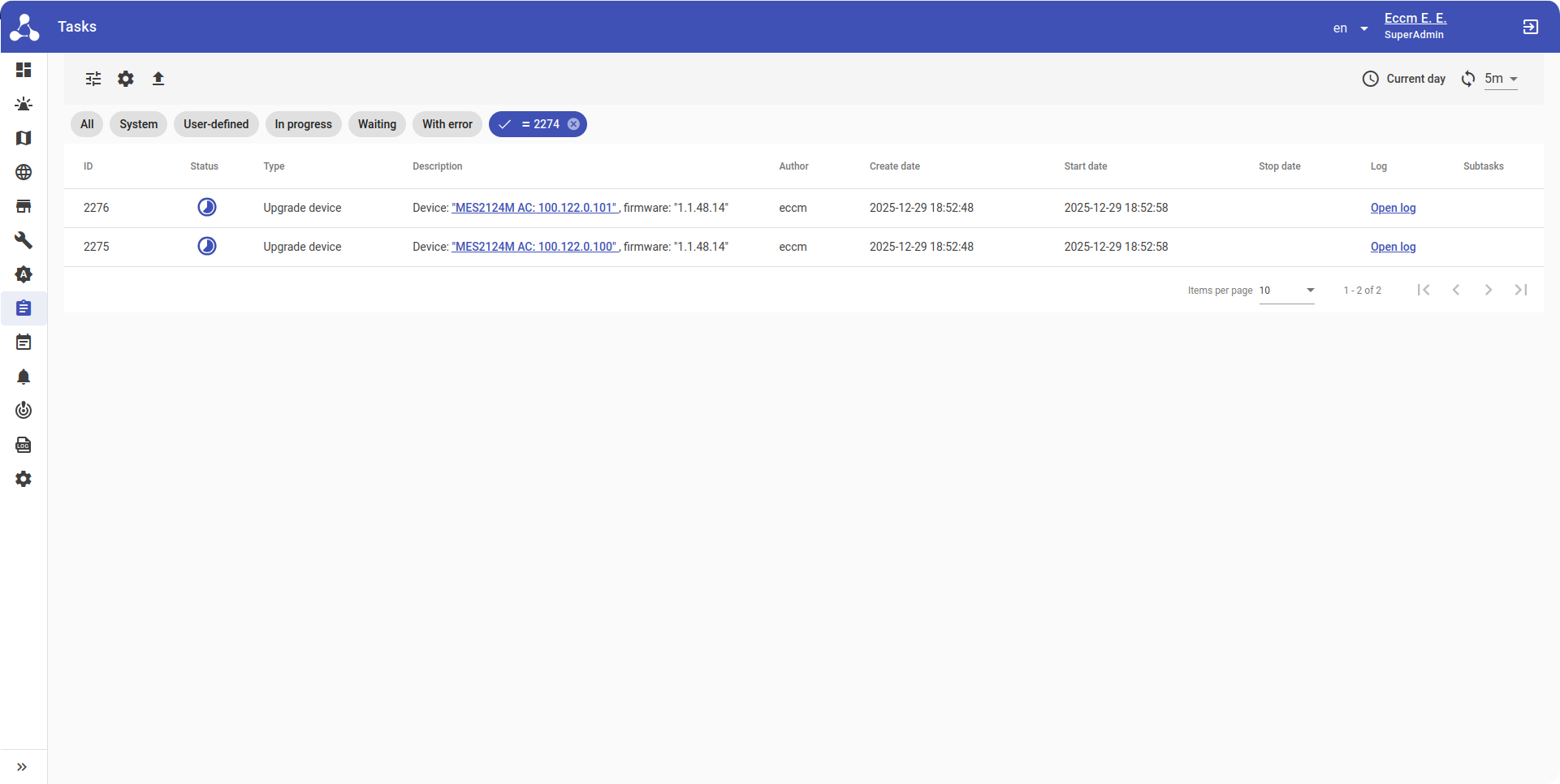
The mass firmware update is another task that ECCM elegantly solves. Manually updating firmware on hundreds of devices is a labor-intensive and risky task. ECCM automates the process: administrator downloads a firmware image, selects devices to update, and initiates the process. The system distributes the updates, monitors the implementation, and notifies of the results.
The system allows one to select device groups, assign target firmware versions, and define time windows for updating. Then ECCM distributes images, initiates updates, monitors progress, and records the results for each device. The interface shows which equipment has already been updated, where the process is still in progress, and where errors have occurred and intervention is required.
This is especially convenient when working with complicated schemes. Administrators doesn't need to maintain their own update table, as a result the risk of missing a node is significantly reduced. ECCM allows one to evaluate exactly where a particular software version is running, and after installing the software, to ensure that no unexpected issues have arisen, and the network is operating normally.
Full network visibility
Monitoring in ECCM is more than just checking device availability via ping. The system collects the detailed information about the state of infrastructure elements. The Eltex switches, service routers, and other equipment have specific metrics that are detected by ECCM. Administrator sees not an abstract, universal object, but equipment with its own set of characteristic parameters. For example:
- For Wi-Fi equipment, ECCM acts as a full-fledged monitoring center for the entire infrastructure – it gathers data in real time from all WLC network controllers and presents it in a clear, easy-to-analyze network picture. The system automatically detects the status of access points, clients, wireless local networks, fixes the key events, visualizes connection process, receives data about threats detected with WIDS/WIPS features on Wi-Fi controllers. With flexible tables, graphs, and cards, administrators gain a complete overview of Wi-Fi performance and can take immediate action from deauthenticating problematic clients to registering new access points.
- For FBWA equipment, the system collects data about CPU, RAM, ROM utilization, interface status, channel utilization, VLAN, state of additional equipment (power modules, fans, modules (for ME), MES stack operation, receives and processes a wide range of SNMP traps for prompt response to events in the network.

ECCM can monitor the third-party equipment using basic SNMP parameters. If there are devices from other manufacturers within the network, the system can view their basic status (CPU, RAM, ROM, interfaces). With MIB files, it is also possible to decode SNMP traps — events coming from devices. This retains a basic set of monitored metrics, but expands the ability to correctly interpret device notifications.
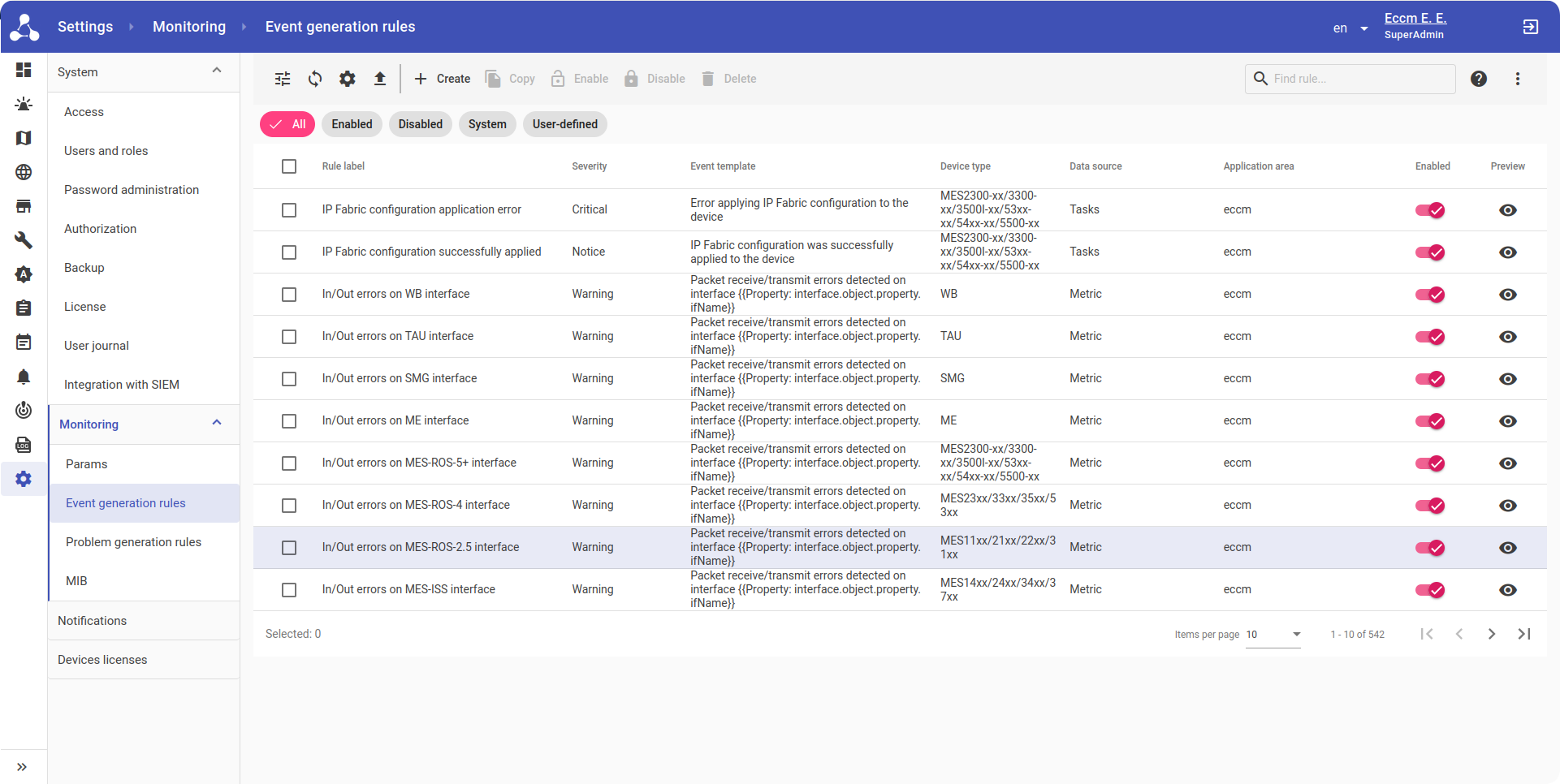
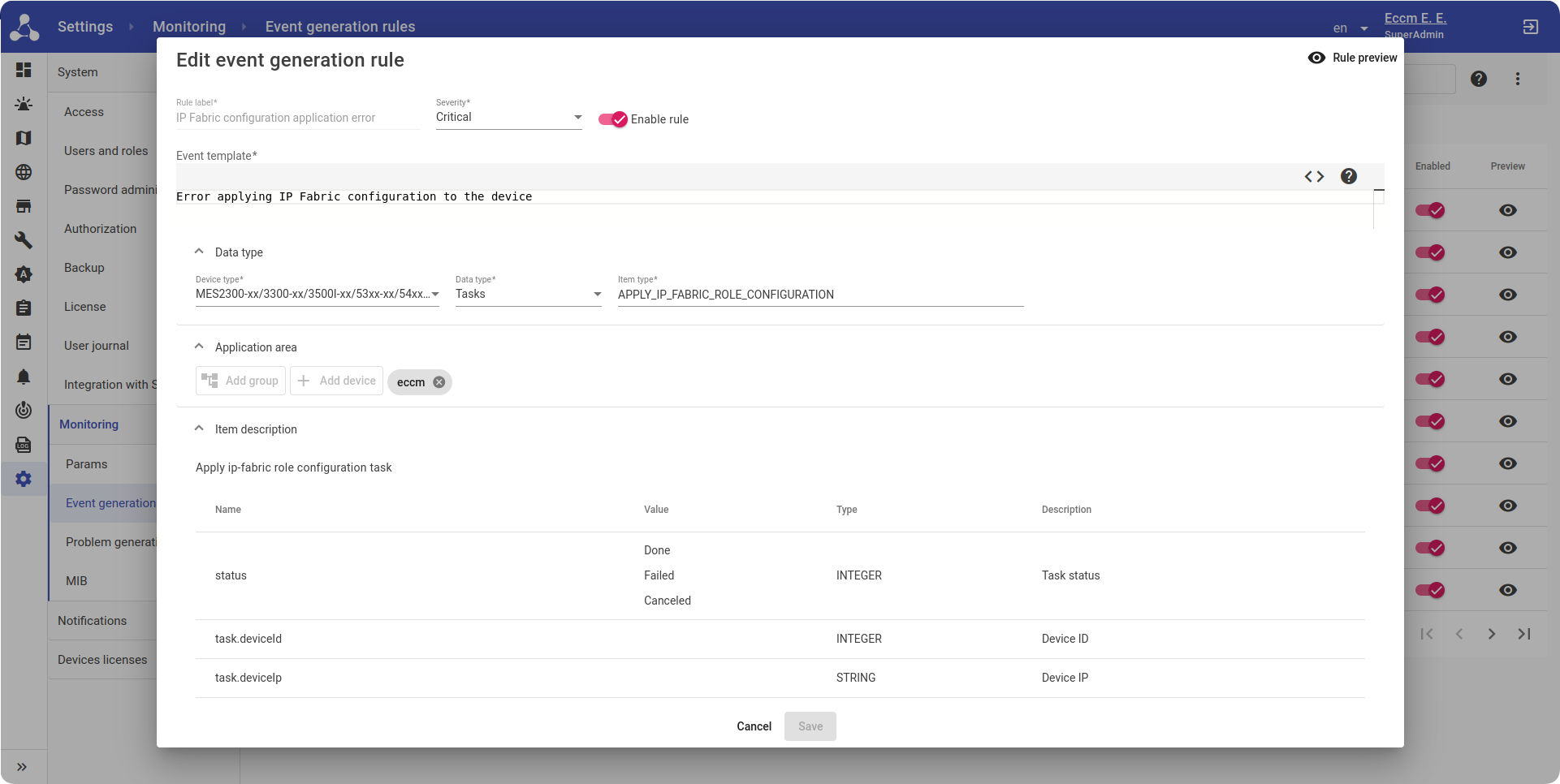
It is better to detect network failures before users notice them. ECCM has Fault Management, a sophisticated event search subsystem that analyzes events and notifies administrators of problems. How it works:
- The system processes raw SNMP traps and syslog messages, matching them with a library of templates that describe typical issues and events. ECCM has approximately 600 pre-defined templates for various situations. Administrator can customize them to suit the required tasks or create new ones using the wizard.
- If any events require immediate attention, ECCM sends alerts via push notifications in the system itself, via Email or Telegram. The notification system eliminates the need to monitor the system 24/7 from the workplace. You'll be alerted to issues as soon as they occur and can respond promptly.
Observer to observer
If the server hosting ECCM fails or becomes unstable, you may lose network visibility and the ability to centrally manage your equipment. Therefore, we approach server-side system health monitoring with the same attention as any other key service.
For in-depth external monitoring, we use the Peeper module, a specialized solution for diagnosing the status of servers running Eltex software. Peeper gathers and analyzes server technical metrics, helping to identify potential performance and stability issues before they become noticeable. You can learn more about Peeper in this article.

As a result, administrators receive a full picture of both the health of the network infrastructure and the management system itself.
Security
The network infrastructure management requires a serious approach to security. ECCM implements several security levels:
- Connecting only via HTTPS eliminates data interception when working with the web interface.
- SNMP encryption ensures secure data exchange between the system and equipment.
- Role-based access control allows distinguishing user rights: for example, one user can only view data, another can change the configuration, and the third one can completely manage the system.
- Administrator activity logging tracks who made changes to the system, when, and what changes. This is useful for auditing and incident investigations.
- System passwords have time restrictions and complexity requirements to ensure compliance with corporate security policies.
- Support for local accounts and external authorization via LDAP or Active Directory allows ECCM to be integrated into an existing access management infrastructure.
Development plan
ECCM development is progressing rapidly. We're not only exploring new ways to scale the system's functionality in the future, but also constantly improving what we currently have.
Nearest release
The 2.5 version will be released in December 2025. Key features of this version will include:
- high-level configuration involves VLAN, Loopback detection, Storm Control on MES switches using a graphical interface;
- display of VLANs on the network map with the ability to search for devices by VLANs and attributes, other improvements to topology maps;
- monitoring and configuration of VxLAN in IP fabrics on MES switches;
- integration with SIEM systems;
- display of current problems by device on the network map;
- functionality expansion of the access control system to the ECCM WEB interface.
We are planning major updates in 2026:
- initialization and discovery of existing IP fabrics based on MES switches;
- monitoring and management of switches in IP fabrics;
- configuration of individual parameters on access points;
- hot standby (Active-Active);
- high-level configuration of switches (L1, L2, L3 services/protocols);
- expansion of Wi-Fi monitoring depth (connection history graph, history of radio parameters, etc.)
Free trial: try the system in action
There is much to say about ECCM benefits, but the best way to understand the system’s value is to try it out within your own infrastructure.
We offer a free trial of ECCM for those, who is already using Eltex equipment or plans to purchase. This will allow one to evaluate the capabilities in real conditions, understand how ECCM is suitable for specific tasks, and make an informed decision about implementation.
In addition, the development of specific features greatly depends on user feedback. The more users of Eltex equipment try the system and share their impressions, the better we will understand how to develop the system in the future.
To find out more about testing, please email us at foreign.sales@eltex-co.ru or call +7 (383) 274-10-01
Conclusion
Using modern equipment without an adequate management system means utilizing only half of your network's resources. ECCM combines separate devices into a unified, manageable, and transparent infrastructure, freeing up engineers' time to focus on truly important tasks.
Your network based on Eltex equipment can be more convenient – you just need to let ECCM handle the routine tasks. You will gain not only convenient monitoring and configuration but also a powerful tool for the future development and scaling of your network.
Don't just take our word for it – test the system in real conditions. A free trial will help you evaluate the benefits of ECCM for your needs.