ECCM


Description
ECCM is a system intended for inventory, management and monitoring of Eltex network equipment. The system helps to automate routine tasks of equipment configuration and upgrading, to perform continuous monitoring of network operation for quick response and troubleshooting.
Supported devices
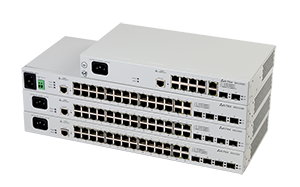
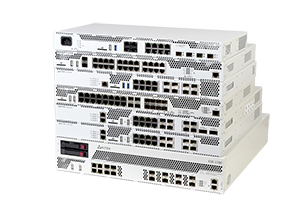
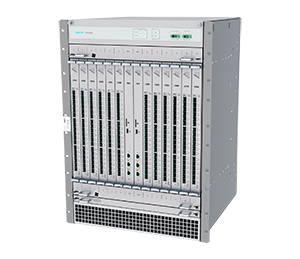
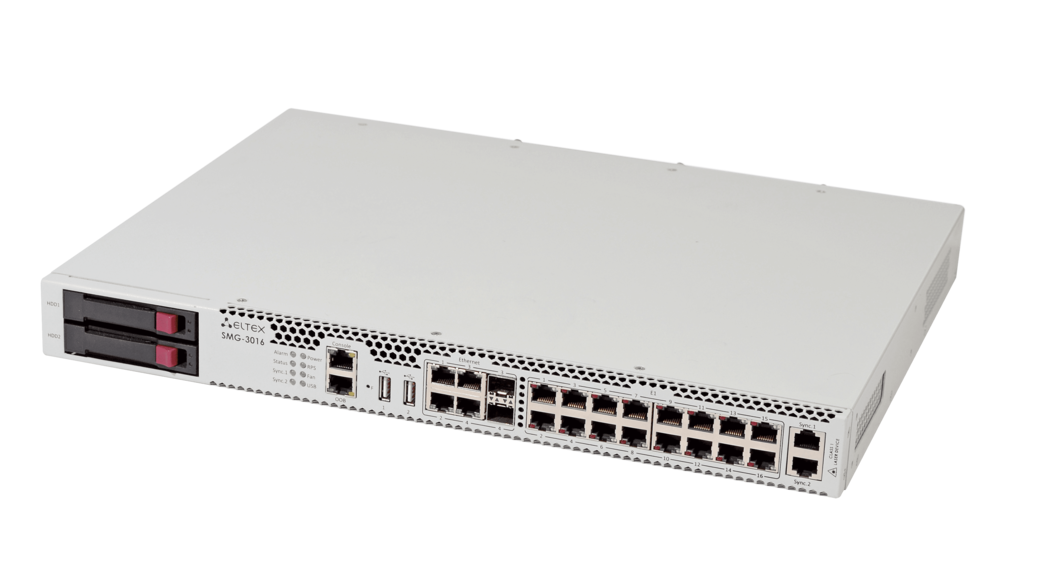
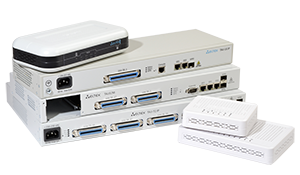
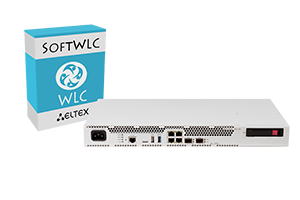
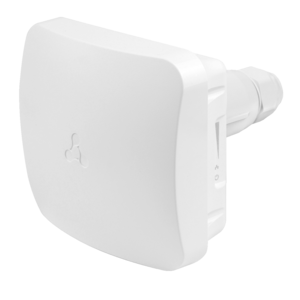


Functions
Automatic detection and inventory
ECCM detects equipment, catalogues and analyses its inventory data and metrics. The system supports automatic detection and connection of new equipment using ZTP, and can automatically apply basic configuration on them in accordance with specified policies.
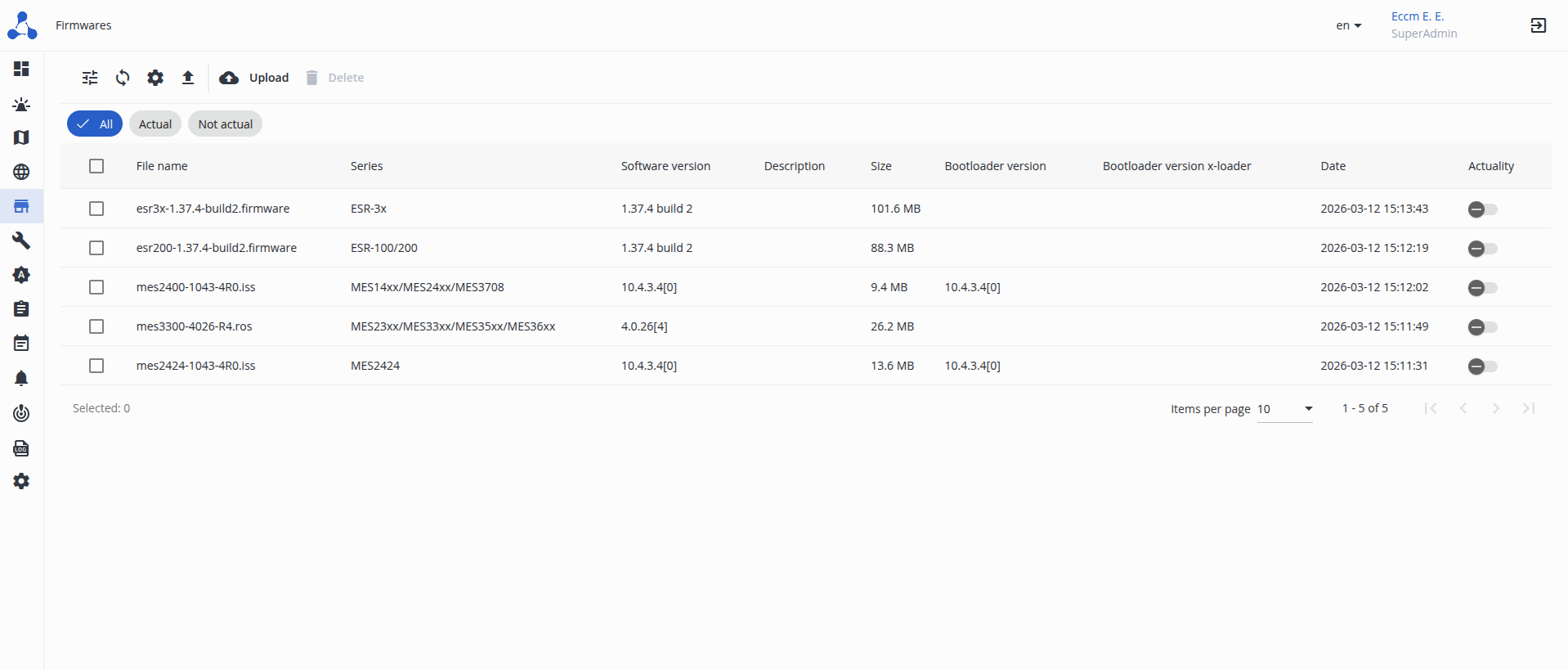
The system allows mass deployment of configurations and updates using templates and group policies, as well as planning and automating this process. Version control functionality remembers all configuration changes, compares the current state with earlier settings, including configurations of different devices. A configuration backup can be applied to a device at the administrator's command.
ECCM creates a network map and identifies the links between devices using LLDP. Network topology visualization allows user to quickly get the overview and find the right device. Device states and network issues are displayed in real time.
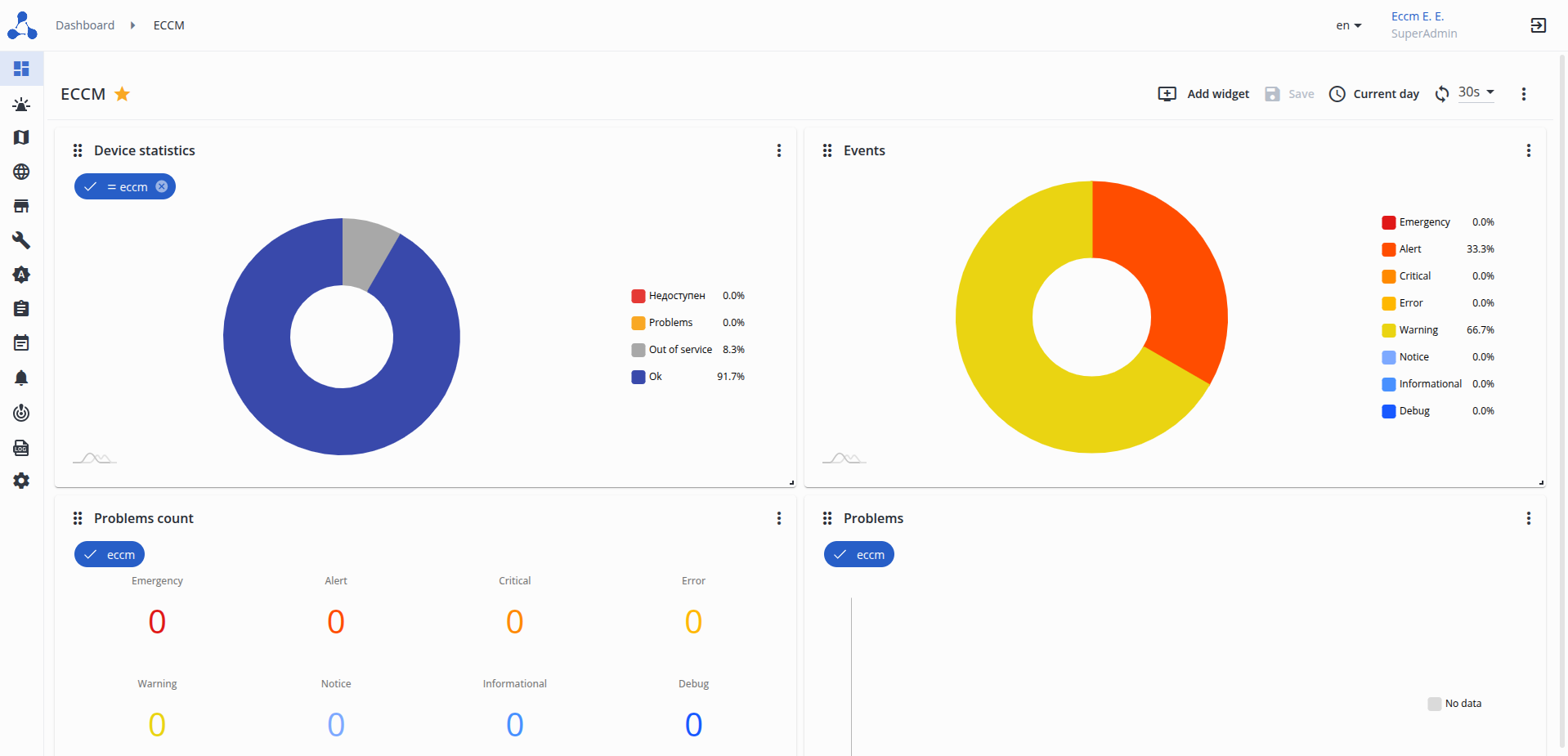
The system monitors device status in real time - from continuous availability polling to displaying the number of errors on device interfaces, as well as RAM and CPU utilization. Metrics collected via SNMP are displayed in graphical form for a user to be able to analyze statistical data with the tools provided in the system.
Notifications via email and telegram
ECCM automatically detects problems based on information received via SNMP or Syslog and immediately sends notifications to the responsible people via email or telegram.
The system allows organizing equipment into groups, differentiates user access rights based on roles, logs user authentications and their actions. ECCM integrates with external authentication systems via LDAP to simplify user access management.
- Connecting to the device CLI via SSH using a terminal emulator
- Viewing raw Syslog logs and SNMP traps from equipment with the ability to filter by parameters
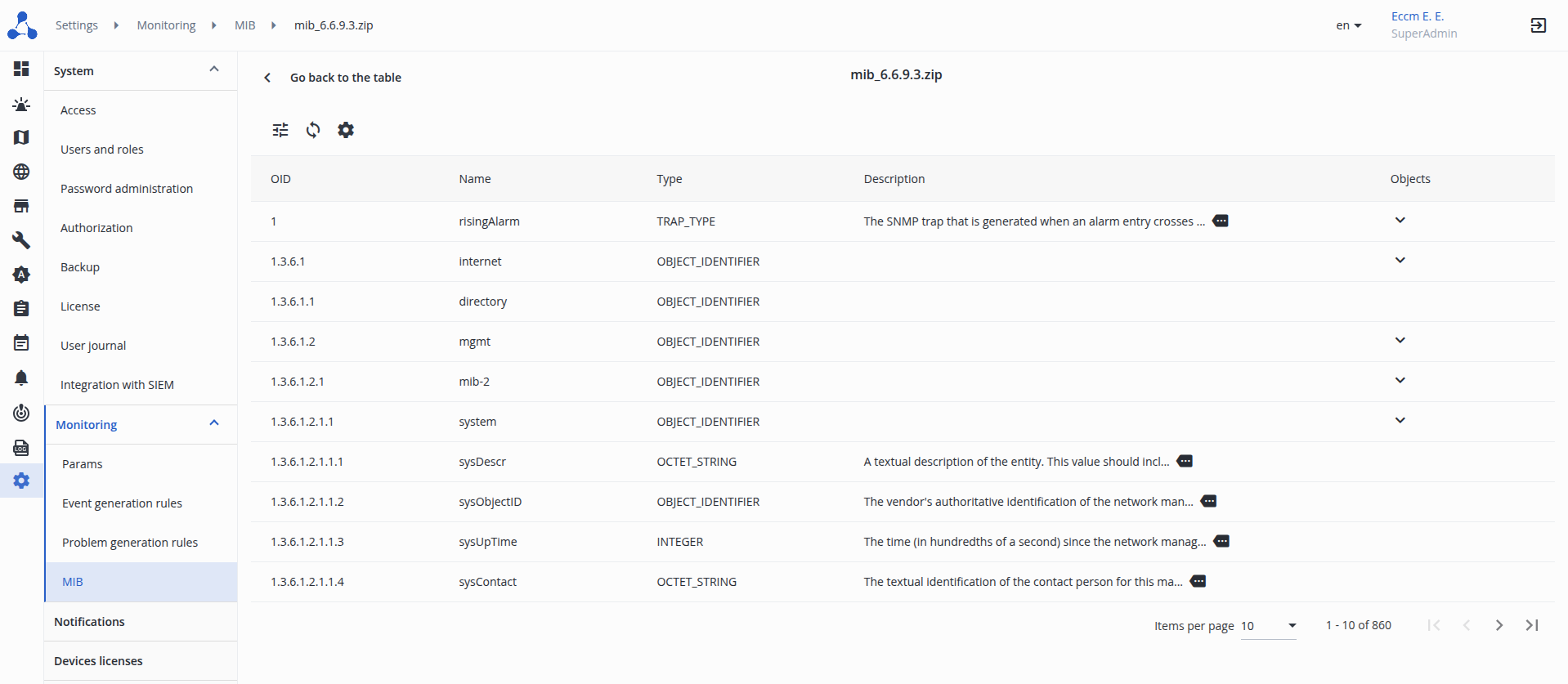
- Uploading and viewing third-party MIB files for correct interpretation of SNMP messages
- Flexible configuration of polling parameters and information storage periods
- Ability to monitor third-party devices
Documents and files
Version 2.6.3
Fixed
- an error when parsing the ESR configuration in the “Services → Rules” section;
- an error when opening the device page while switching from MES, ESR, or ME to WLC or SMG.
Previous versions
Version 2.6.2
Improved
- support for additional serial numbers has been implemented for the MES2300-48P, MES2300-48P rev.C1, MES2300B-48 AC, and MES2410-08DP switches.
Fixed
- health check for services: the “healthy” status is now set only after the application is actually ready, ensuring correct operation of the keepalived service;
- fixed an error sending notifications to Telegram/email after an update;
- added display of RAM metrics on MES switches;
- display of administrative speed in the L1 quick settings log.
Version 2.6.1
Added
- support for a new switch model: MES2300-48P rev.C1 AC.
Improved
- ability to configure VXLAN in quick settings on network maps;
- display of multiple links between hosts on network maps.
Fixed
- an error that caused a newly created problem to not be included in the current normalization cycle and remain open;
- an error configuring an IP address with a /31 subnet mask on an interface via “Services”;
- an error displaying the configuration of MES devices after updating from ECCM 2.5.
Version 2.6
Added
- support for a new switch model: MES5700-32;
- support for new models of FWBA equipment: WOP-3ax-LR5, WOP-3ax-LR6, WB-3P-LR5, WB-3P-LR6;
- the ability to add new devices to an existing IP fabric;
- Port-Channel management on switches via SNMP SET using the “Quick Settings” feature;
- L1 parameter management on switch interfaces via SNMP SET using the “Quick Settings” feature;
- configuration of individual access point parameters (“MAC Bindings”) via centralized management of the wireless configuration of WLC devices;
- REST API:
- retrieving device information;
- retrieving information on groups and group statistics;
- retrieving information on problems and events;
- retrieving information on tasks;
- support for ECCM cluster deployment mode to improve system fault tolerance.
Improved
- web interface design: color scheme and fonts updated;
- problem management features:
- the interface for viewing detailed problem information has been updated;
- new problem statuses added: “New” and “In Progress”;
- changing the status of a problem by the user;
- adding comments to a problem;
- ability to add devices to the IP Factory by IP address;
- mechanism for automatically updating the configuration of IP Factory devices after a device is removed from the factory;
- search for a device in a group by unit serial number.
Fixed
- problems not closing automatically after manually refreshing the device availability status;
- unstable operation of group interface configuration on MES14xx/24xx/34xx/37xx switches;
- an error where MES devices of a specified type were not displayed in the device selection form for event generation rules;
- an error when viewing available privileges for a user with the “Operator” role.
Version 2.5.1
Improved
- stack update sequence on MES14xx/24xx/34xx/37xx switches: added support for updating units when the master device is updated;
- updated MIB files for MES2300-xx/3300-xx/3500I-xx/53xx-xx/54xx-xx/5500-xx switches.
Fixed
- an error preventing the disabling of system rules for generating problems.
Version 2.5
Added
- support for a new service router model: ESR-3150;
- support for new switch models: MES2300-24 rev.K1 AC;
- ability to forward events and issues to an external SIEM system;
- quick settings for managing VXLAN via SNMP;
- template-based MES management. Ability to apply profiles for the following features:
- Common Profile;
- VLAN database;
- Interface L2;
- Switchport;
- Storm Control.
- field for entering the SNMP Write Community in the fabric initialization dialog box.
Imroved
- ability to configure account expiration at the role level (previously only globally);
- ability to configure refresh intervals and user session retention at the role level (previously only globally);
- system activity logging: added events for user account operations, changes to access parameters, and issue management;
- network map features:
- visualization of active problems;
- updating LLDP information for devices already added to the map;
- displaying VLANs on device interfaces;
- device context menu with quick settings;
- search by VLAN and highlighting of devices with the selected VLAN;
- additional colors for links;
- display of the problem counter on device icons;
- switching to the network map from the device page.
Fixed
- the issue of having to open an unused IPv6 socket for monitoring devices via ICMP (monitoring has been implemented in IPv4-only mode);
- inconsistency in units of measurement between the map legend and interface speed graphs;
- display of the “Cloud” icon on network maps;
- default state for the "Completely replace active configuration" option when applying a MES template (changed from "enabled" to "disabled").
Version 2.4.1
Added
- "VLAN" menu item to the "Synchronize" drop-down menu;
- full-text search filtering in the Wireless profile and ESR interface tables.
Improved
- automatic configuration of the syslog collector for vESR is now enabled.
Fixed
- issues with validation on the LDAP settings page;
- double scrolling when zooming in on certain system dialog boxes;
- file name format for exported tables;
- LLDP update error on devices with high uptime values;
- errors when importing devices using the backup functionality;
- error displaying successful IP SLA tests for ESR.
Version 2.4
Added
- support for a new service router model: ESR-1200 rev.B;
- support for a new switch model: MES3510S-08P DC;
- VLAN management via SNMP SET on switches using the "quick settings" feature:
- creating a VLAN in the VLAN database on the device;
- assigning a VLAN to device interfaces;
- deleting a VLAN from the device;
- saving the modified configuration to the device's memory;
- configuration of the SNMP write community in device access settings and when creating an IP fabric.
- support for monitoring and displaying available memory for WLC devices;
- support for distinguishing between system and user rules for generating events and problems:
- restriction on editing system rules;
- ability to copy existing rules.
Improved
- enhanced detail in the wireless-event logs;
- a mechanism that takes into account the time zone of the user receiving the notification;
- optimized retrieval of data from event tables and event generation rules;
- displaying of previously selected event generation rule keys when editing problem generation rules;
- displaying of the dialog box for configuring sending syslogs only when adding devices that support this feature;
- firmware download mechanism for ME devices, providing support for a new file format;
- alerts and visual components of ECCM dashboards for integration with Peeper;
- optimized slow database transactions.
Fixed
- an error where speeds were displayed for VLAN interfaces;
- an error displaying network maps to which the user does not have access;
- an error where the current device interface description was not displayed in the event description;
- an error displaying the “Search in Group” tab for “FWBA” type groups;
- errors when importing MIB archives for third-party devices.
Version 2.3.1
Improved
- the “Search in Group” tab interface;
- the column headers in the ME power input devices table have been standardized.
Fixed
- an error that prevented the creation of an event generation rule based on a syslog message;
- an error in processing parentheses during LDAP user authentication;
- an access issue during prolonged system downtime.
Version 2.3
Added
- support for new service router models: ESR-1200 FSTEC, ESR-1700 FSTEC;
- support for new wireless access controller models: WLC-3250, WLC-3350;
- support for new switch models: MES3500I-24F, MES5320-24;
- support for FWBA equipment models: WB-3P-PTP2, WB-3P-PTP5, WB-3P-PTP6;
- FWBA equipment operation monitoring;
- VLAN monitoring on switches;
- template-based problem descriptions in problem generation rules;
- display of event/problem descriptions in push notifications;
- Device object search within a group:
- search for a device port (interface) by its description;
- search for an MES switch port by the MAC address of the subscriber equipment connected to it.
- integration with the Peeper monitoring system.
Improved
- the ability to receive syslog messages simultaneously via two protocols: UDP and TCP;
- a mechanism for deleting groups with nested objects: to delete such a group, you must specify its name in the dialog box;
- expanded list of logged user actions that result in a change in device status (device firmware update, license installation, template application, etc.);
- ability to enable syslog message transmission to the ECCM server on ESR and WLC devices when:
- adding devices to the system;
- configuring services for a group of devices;
- importing devices.
- the ability to specify the ECCM’s IPv4 address in the management network if the system was launched using a domain name;
- the ability to send email notifications using a mail server that does not require authentication;
- backup mechanism: the file format has been changed from CSV to JSON, allowing all necessary information to be saved for restoring groups and devices;
- mechanism for retrieving WLC and ESR device configurations: the configuration file is downloaded from the device via SFTP/TFTP/SCP protocols.
Fixed
an error when updating devices to the latest firmware version via the ZTP Manager;
the problem with displaying the bootloader software version in inventory data;
- an error when changing a password after its expiration;
- an error related to the lack of highlighting for modified lines in the device text configuration editing window;
- Minimum allowed length of a phone number in personal settings: reduced from 7 to 3 digits;
- an error updating general information when changing the mastery on switches in a stack;
- an error querying the software version when updating MES24XX;
- an error detecting ESR-31 interfaces.
Version 2.2.2
Improved
monitoring service performance.
Fixed
incorrect display of the “Device Location” parameter for MES24xx switches;
an error during IP factory initialization;
an error when creating a network map with IP factory devices;
an error detecting SNMP entities for the MES2324B switch;
- an error during PLR license synchronization.
In version 2.2.2, the trend calculation mechanism (for 15 minutes/1 hour) for metrics has been optimized to improve performance. The redesigned mechanism is incompatible with legacy metric data. To prevent the loss of metrics accumulated in ECCM, the system will continue to operate using the old trend calculation logic while simultaneously accumulating data for future implementation of the new logic. This approach will ensure a seamless transition to the optimized trend calculation mechanism without data loss.
Version 2.2.1
Fixed
WLC data model migration error during update.
Version 2.2
Added
- support for new service router models: ESR-15R FSTEC, ESR-1511 rev.B, ESR-3100 rev.B, ESR-3250, ESR-3350;
- support for new switch models: MES2300-24P rev.C1 DC, MES3500I-8P8F DC;
- “commit-confirm” mechanism for MES5312, MES5316A, MES5324A, and MES5332A switches running firmware version 6.6.9 and later;
- client deauthentication feature on access points;
- flexible configuration of password management policies;
- user account locking/unlocking feature;
- import/export of event and problem generation rules;
- templating of event descriptions in event generation rules;
- monitoring hardware resources of ME5000 and ME5000M modular routers:
- fan status monitoring;
- power supply status monitoring;
- line module and routing module monitoring;
- wireless event descriptions;
- new types of wireless events for monitoring unauthorized activities on Wi-Fi networks (WIDS monitoring).
Improved
support for monitoring the administrative speed of MES11xx/21xx/22xx/23xx/23xx-xx/31xx/33xx/33xx-xx/35xx/35xx-xx/36xx/53xx/54xx interfaces;
the ability to enable/disable the SNMP trap receiver;
optimization of the mechanism for sending notifications to Telegram when there is a large number of messages;
- support for stacking on MES14xx/24xx/34xx/37xx switches.
Fixed
incorrect display of user and access point graphs for WLC-30;
product license synchronization errors;
error during ESR-100 and ESR-200 configuration;
incorrect restoration of ranges in the “Summary information” graph;
error when deleting values in notification channel settings;
error in event generation rules when moving associated groups;
error processing template scripts with empty values in YAML;
incorrect status display for MES2428 and MES3124 models in the device tree;
updated data on the number of interfaces for ESR and WLC devices;
redundant reading of software version data for MES14xx/24xx/34xx/37xx devices;
missing data elements for the event generation rule via SNMP trap “eltexFlIfStatusChangeNotif”.